

Free Tools for Authors
Plan reader resources, puzzle pages and signup journeys with practical, freely accessible guides.
QR and puzzle pages are guides, not embedded generators. Hosting, file production and external services are separate.
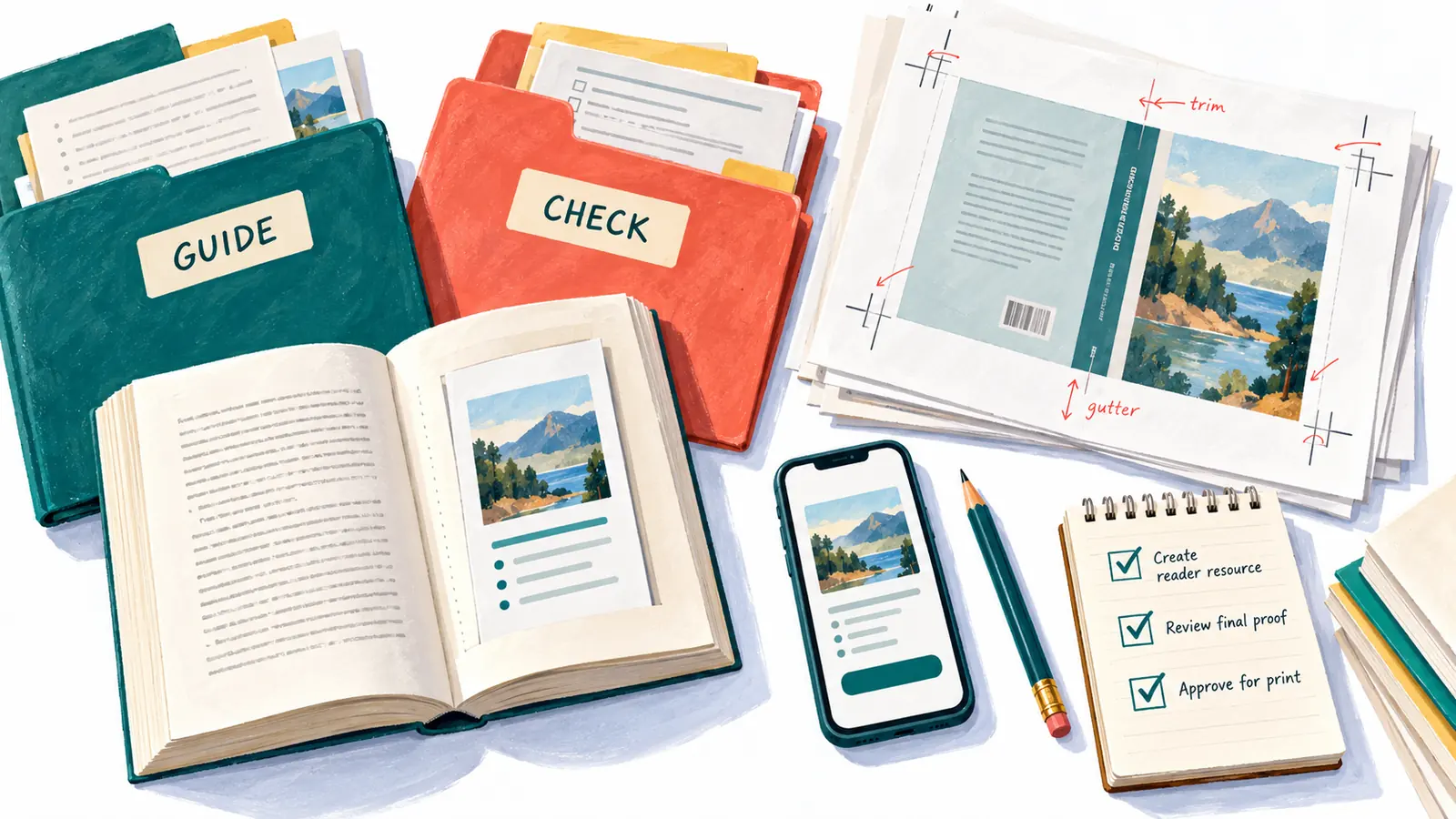
Start with the job, not another subscription
Use this directory to plan companion materials, puzzle pages and reader signups. The guides are free to read without an account. They explain a workflow; they do not host your downloads, build a landing page or export print-ready files.
| Task | Start here | Available here | Arrange separately |
|---|---|---|---|
| Connect a printed book to a resource | QR codes for books | Destination planning and a scan-test checklist | A QR encoder, stable URL and resource hosting |
| Prepare puzzle interiors | Puzzle production guide | Puzzle, solution and print-proof checks | A generator with suitable usage rights, solver and page-layout software |
| Build a reader signup flow | Email lists for authors | Signup, welcome-message and audience planning | An email platform, consent records and delivery setup |
| Draft book metadata | AI tools for KDP | Links to four interactive drafting tools | Fact-checking, rights checks and manual KDP updates |
| Explore a sales scenario | BSR calculator | An interactive estimate, not actual sales reporting | Current costs, royalty rules and your own sales data |
Example: one useful reader bonus
Suppose your book teaches coastal photography. A one-page field checklist can help readers apply it. A random bundle of unrelated downloads gives them more work instead.
- Define the outcome. The checklist helps a reader prepare a location visit. List only equipment and steps that your book actually covers.
- Make access explicit. Decide whether the download opens immediately or requires newsletter signup. Explain that choice before the reader follows the link.
- Choose a durable destination. Use a URL you can maintain. A redirect you control can preserve a printed link when hosting changes; a third-party service may impose fees or limits.
- Test the whole journey. Start with the printed page, open the destination on a phone and retrieve the correct file. Test while signed out, not only from your author account.
- Record one useful result. If your separate analytics setup supports it, compare visits with successful downloads or confirmed signups. A scan is not the same as a subscriber or a book sale.
Keep the checks small and repeatable
- Verify commercial-use permissions for templates, fonts, illustrations and generated puzzle output.
- Keep a readable fallback URL beside a printed code. Test the final printed size, contrast and destination again after file revisions.
- Label file formats and access requirements. Remove broken destinations, accidental login walls and claims that the resource cannot support.
- For a print project, use the current KDP paperback formatting guide and review an actual proof before release.
- Check external services' current pricing and export terms before relying on a free tier. Public guidance here does not make hosting, printing or other providers free.
For the complete interactive directory, open KDP Tools. Connect your resources to a broader author platform or a focused no-paid-budget marketing plan. Finish one reader journey before adding another tool.
Official formatting reference checked on 16 October 2026. This directory does not provide QR generation, scan tracking, newsletter delivery or downloadable puzzle files.
Frequently asked questions
Are these resources free to use?
The public guides are free to read without an account. Separate providers may charge for hosting, exports, printing or email delivery. This directory does not promise that external services are free.
Does this page generate QR codes or puzzle files?
No. The QR and puzzle pages explain planning and validation. Use separate software to generate codes or puzzles, and check its export terms and usage rights.
Where are the interactive tools?
KDP Tools links to the BSR calculator and four AI tools for titles, descriptions, keywords and categories. Their outputs are estimates or drafts that require your review.
Can Virtalibry host my reader bonus or send my newsletter from this page?
No. Arrange your resource hosting, signup form and email delivery separately. Test the journey from the printed book through to the actual download or confirmed signup.
How should I judge whether a resource helps?
Choose one reader action and measure its completion with your own analytics setup. Downloads and confirmed signups are more useful than treating every scan as a subscriber or sale.