

QR Codes for Books
Choose a useful reader destination and test the printed route before publishing.
Planning guide only. This page does not generate QR images, host downloads or track scans.
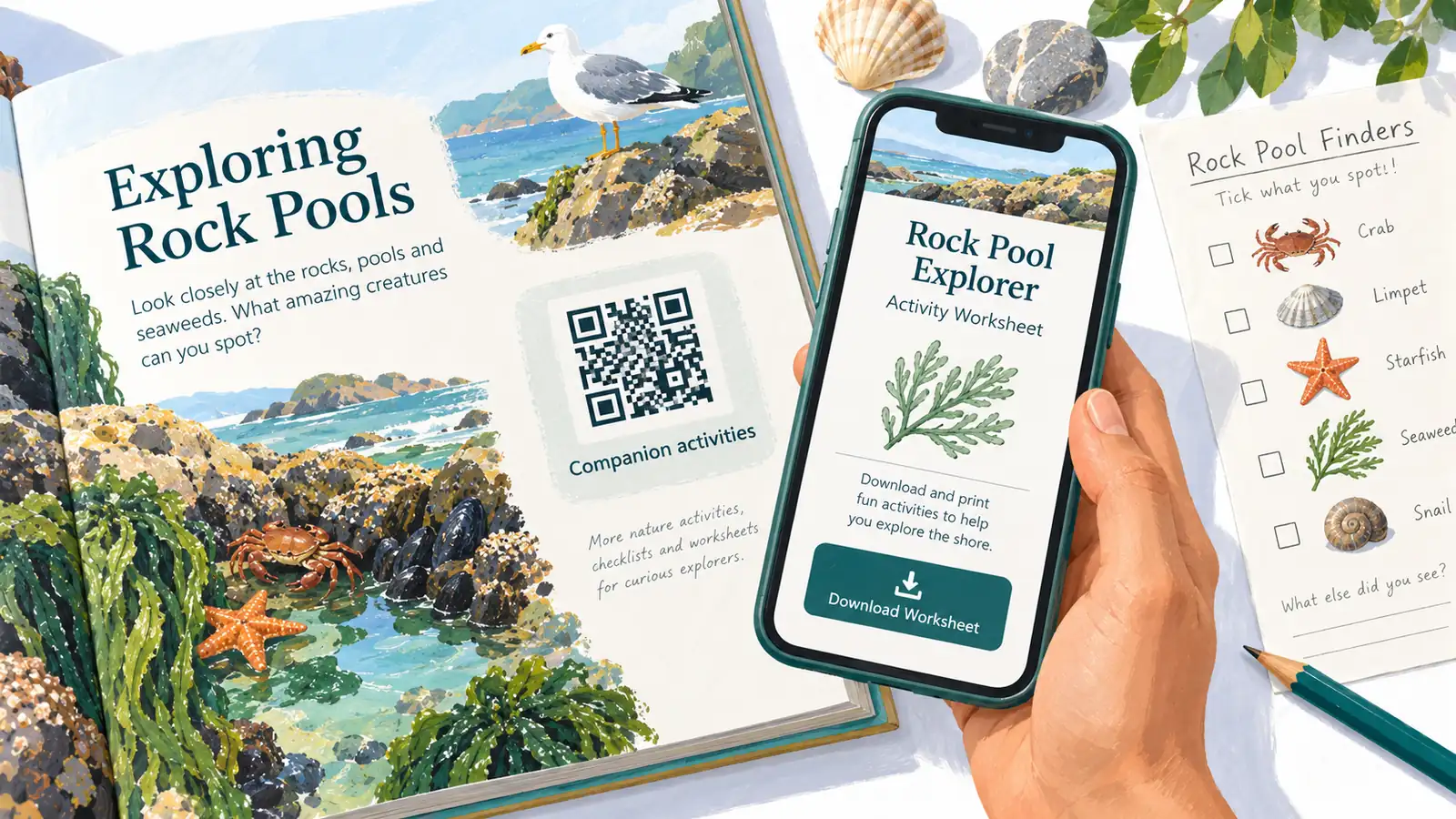
Give the scan one clear purpose
Match the destination to the promise beside the code. A workbook reader expecting printable exercises should reach those exercises, not a general homepage. Put a readable short URL underneath so the resource remains accessible without a camera.
| Purpose | Example caption | Destination check |
|---|---|---|
| Companion download | Download the practice worksheets | The correct edition's file opens on a phone; file type and size are clear |
| Newsletter | Get new stories by email | A focused signup page explains the subscription; joining is voluntary |
| Corrections or updates | Check this edition's updates | The page identifies the book and edition, not an unrelated new offer |
| Optional review request | Share your honest review | The right book and marketplace open; no reward depends on a review |
For an audience-building destination, plan the offer with the author email-list guide. Keep delivery of a promised companion resource separate from an optional newsletter subscription.
Keep control of the address you print
A static QR symbol stores a fixed payload, often a URL. It does not become obsolete just because the page at that URL changes. A stable address on your own domain can serve updated material or redirect to a new location while the printed code stays the same.
A service sold as a dynamic QR code usually adds a managed redirect. Before relying on it, check continued access, subscription costs, destination editing and what happens if the service closes. Do not put an expiring signed download URL or a temporary campaign address into a permanent print edition.
Test the finished page, not just the QR export
- Generate the code from the final destination URL using a QR encoder. Prefer a sharp export that survives your page-layout workflow.
- Keep strong contrast and an unobstructed margin. DENSO WAVE specifies a four-module quiet zone on every side.
- Place the caption and fallback URL outside that margin. Keep the symbol away from the gutter, trim and decorative artwork.
- Export the final interior PDF and check the code at the intended physical size. Then scan a printed proof with more than one phone, under ordinary lighting.
- Follow the complete route: page load, any redirect, file access or signup. Test without your own author login or an already authenticated browser session.
Measure the destination, then maintain it
Use a dedicated landing address or campaign parameter to distinguish this edition from other traffic. Record visits, completed downloads or signups as separate events. A visit count is not automatically a scan count, a unique reader count or evidence of a sale.
Retest the route after moving a file, editing a redirect or changing a domain. Keep a simple record of the edition, printed URL, destination owner and latest successful test.
A QR code cannot override retailer review rules. Do not attach gifts or bonus access to a requested review; see KDP's customer-review guidance and the review-rules guide.
Continue with puzzle publishing, AI publishing tools, the BSR estimator or the KDP tools directory.
Frequently asked questions
Can I generate a QR image on this page?
No. This page is a planning and print-testing guide. Create the actual code with a QR encoder, then check the exported file and the printed proof with a phone.
Can a printed QR code keep working if my offer changes?
Yes, when the encoded URL remains available. A page or redirect on a domain you control can lead to updated content without changing the printed code. Losing that domain or redirect breaks the route.
Does a QR code track scans by itself?
No. Measurement comes from the destination or a redirect service. Analytics records visits or events; repeat visits and non-scan traffic mean those counts are not necessarily unique readers or scans.
What size should I print the code?
There is no universal safe size for every code and print process. Density, contrast, paper and camera distance matter. Preserve a clear four-module margin and test the actual printed size, not only a large screen preview.
Can I use a QR code to ask for an Amazon review?
A code can open a review destination, but it does not change eligibility or moderation. Keep the request optional and do not make a bonus, discount or other reward conditional on a review.