

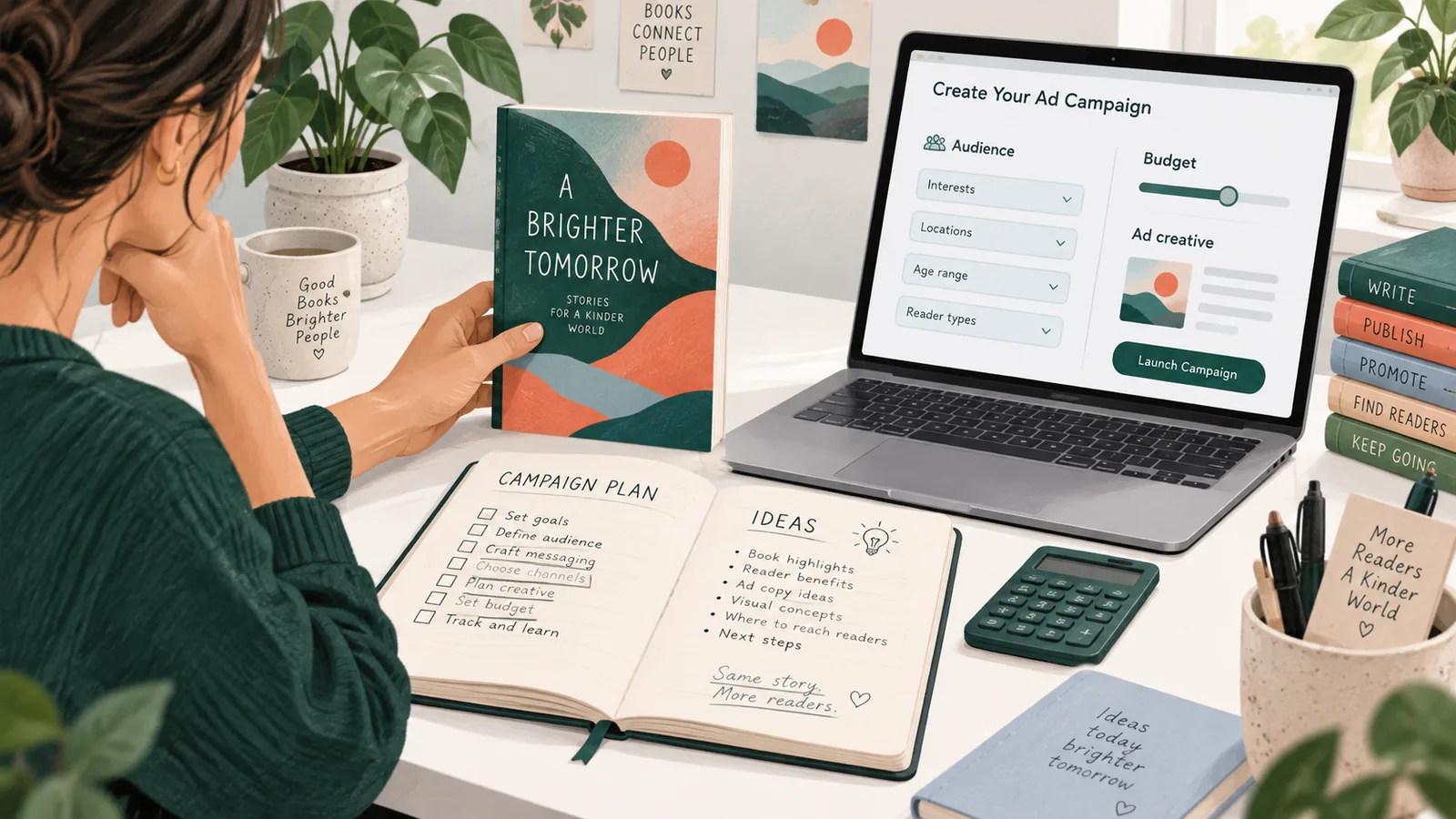
Amazon Ads for KDP beginners: start with a bounded test
Begin with one eligible book edition, one marketplace and one Sponsored Products campaign. Decide what you want to learn, calculate what a sale contributes toward advertising, and define when you will pause. The first objective is a usable decision about reader fit and cost, not a promise of bestseller status.
This page is the setup walkthrough. Read how book ads work for auctions, attribution and reporting, or the formats comparison if you are deciding between an individual-book ad and an author collection. The Amazon Ads hub connects the wider topic.
Check the book before buying visits
- Open the intended edition in the target country's store. Confirm that it is purchasable.
- Inspect the cover at thumbnail size: does it signal the actual genre and reader?
- Read the description and sample on a phone. Remove misleading promises and formatting errors.
- Record the ASIN, price, currency and expected royalty for this edition.
- Check advertising eligibility separately from publication status. A live book is not automatically an approved ad.
A campaign cannot repair an unreadable interior or a description that attracts the wrong reader. Reviews may inform buying decisions, but do not invent a minimum review count or manufacture reviews to make a book appear ready. Advertising is not a review-buying workflow.
1. Work out what you can afford to learn
Use the royalty or contribution you actually receive, not the book's retail price. Delivery charges, printing costs, territories and royalty options can change that amount. KDP explains eBook royalty calculations; use the relevant print calculation for paperbacks rather than borrowing an eBook percentage.
A planning example, not a suggested bid
Suppose one paid sale contributes $3.00 before advertising, and your untested planning assumption is that 5% of paid clicks become purchases. The arithmetic is $3.00 x 0.05 = $0.15 break-even CPC, before other expenses. At a $0.30 average CPC, that assumed conversion rate would produce a loss. A $0.30 bid does not mean that $0.30 is profitable.
These are fictional inputs, not an industry benchmark. With no conversion history, calculate several scenarios rather than treating 5% as a forecast. Do not count unmeasured series read-through or hoped-for Kindle Unlimited reading as money already earned.
Separate a test allowance from a daily budget
Write down a total amount you can lose without harming the publishing budget. A hypothetical $45 learning allowance is not a command to spend $45, and a two-week schedule does not guarantee enough traffic to learn anything. Use the smallest test you can afford to supervise.
Daily budgets are averaged, not hard daily caps. Amazon's daily-budget policy allows spending up to 100% above the average daily budget on a given day, using underspend from other days. Check your account settings and current policy before launch. An end date alone is not a hard total-spend guarantee for Sponsored Products; monitor cumulative spend and pause with room for reporting delays.
2. Register in the marketplace you intend to test
Use the Amazon Ads entry in the KDP Marketing area and select the intended marketplace. Follow the registration and billing prompts for that country. KDP's advertising instructions describe eligibility, registration, Author Central requirements and where to get support. Console labels can change, so follow the current workflow rather than searching for an old screenshot's exact button position.
Check that the account, currency and advertised book belong together. If a title is missing, inspect eligibility and any required Author Central claim before creating another account. For a rejection, read the stated reason and correct the problem; repeatedly submitting the same cover or claim is not troubleshooting.
3. Create one Sponsored Products campaign
Choose the exact edition and give the campaign a descriptive name, such as US_GardenGuide_Kindle_Auto_Test01. Names are for your own organization; they do not improve relevance or rank. Save the initial settings in a spreadsheet or notebook so later changes have a baseline.
| Setting | Starting decision | Reason to record it |
|---|---|---|
| Book and country | One eligible edition in one marketplace | Avoid mixing different prices, royalties and languages |
| Targeting | Automatic discovery OR a small manual test | Know which question this campaign answers |
| Bid strategy | Consider dynamic bids - down only | Reduce upward-bidding complexity while learning |
| Adjustments | Check all placement and other boosts | Base bid alone may not describe auction exposure |
| Budget and dates | Affordable daily setting plus a review/end date | Prevent an unattended open-ended experiment |
| Stop condition | Written cumulative-spend and relevance checks | Make pausing deliberate, not emotional |
Amazon's bidding documentation describes down-only bidding as a strategy that can lower bids. It does not remove other enabled adjustments or make a target profitable. Review every setting that can raise exposure. A suggested bid is an auction recommendation, not a royalty-based affordability calculation.
4. Give the campaign a useful targeting question
Automatic discovery
Use automatic targeting when the question is: which shopping contexts does Amazon associate with this edition? Inspect the search terms and products that actually receive traffic. Do not assume automatic means low cost or that every match is suitable. An automatic campaign still needs relevance checks and a loss limit.
Manual relevance test
Use manual targeting when you already have a defensible shortlist. For a beginner balcony-gardening book, start with phrases about small-space container gardening, or comparable books that solve the same problem. Do not target every gardening bestseller regardless of audience, climate or difficulty.
A small group of closely related targets is easier to interpret than hundreds of unrelated terms. If comparing automatic and manual discovery, separate the campaigns and divide the allowance; do not silently double spending. Amazon's targeting guide explains the available controls.
5. Run a prelaunch inspection
- Correct book, edition, marketplace and currency.
- Reasonable target relevance, including any suggested targets you accepted.
- Affordable bids after all enabled adjustments.
- Daily-budget overdelivery understood; cumulative-spend checks scheduled.
- Start/end dates and billing details verified.
- Creative and book meet the current advertising requirements.
Submit for moderation, then verify the actual campaign status. Submission is not the same as delivery. If you see no impressions, first check approval, availability, dates, budget and eligibility before raising bids. Make one change at a time and record its date.
6. Use a first-two-weeks review routine
This is an illustrative work schedule, not an Amazon requirement or a statistically sufficient test length. Check spending promptly; wait for reporting to mature before judging conversion. A low-volume campaign may need a different observation period, but never needs permission to exceed your loss allowance.
| Stage | Action | Avoid |
|---|---|---|
| After approval | Check delivery, billing and correct edition | Changing every setting before the ad can serve |
| Early daily checks | Watch spend and clearly irrelevant traffic | Assuming each day's orders are final |
| First report review | Read actual search terms and placement results | Calling all traffic from one keyword identical |
| Decision review | Compare matured results with contribution and allowance | Scaling because impressions look impressive |
Distinguish a genuinely irrelevant query from a relevant query with few clicks. Excluding the first can be sensible immediately; the second may simply lack evidence. A pause stops further testing, not the reporting of conversions from earlier interactions.
7. Finish with one decision, not ten new campaigns
If delivery is absent, resolve the delivery problem. If traffic is irrelevant, refine targeting. If relevant readers click but the economics do not work, examine the offer and product page before increasing reach. If a target has repeatable, affordable results, test a small change while keeping the comparison readable.
Keep a decision log: original hypothesis, dates, spend, observed CPC, purchases, expected royalties, exclusions and next action. Record uncertainty and simultaneous promotions. "Insufficient evidence within my allowance" is a valid result; it is not an instruction to keep paying indefinitely.
Continue with reporting and profit calculations, or compare formats for a larger catalog. For the destination itself, use the Amazon book-promotion guide.
Sources and scope
Official documentation checked: 14 October 2026. Linked sources support account setup, targeting, bidding, budgeting and royalty definitions. Examples and the review routine are editorial planning aids, not reported campaign results. Availability and console settings can vary by account and marketplace; check them again before spending.